KenoaTV 4K IPTV: What You Need to Stream in 4K
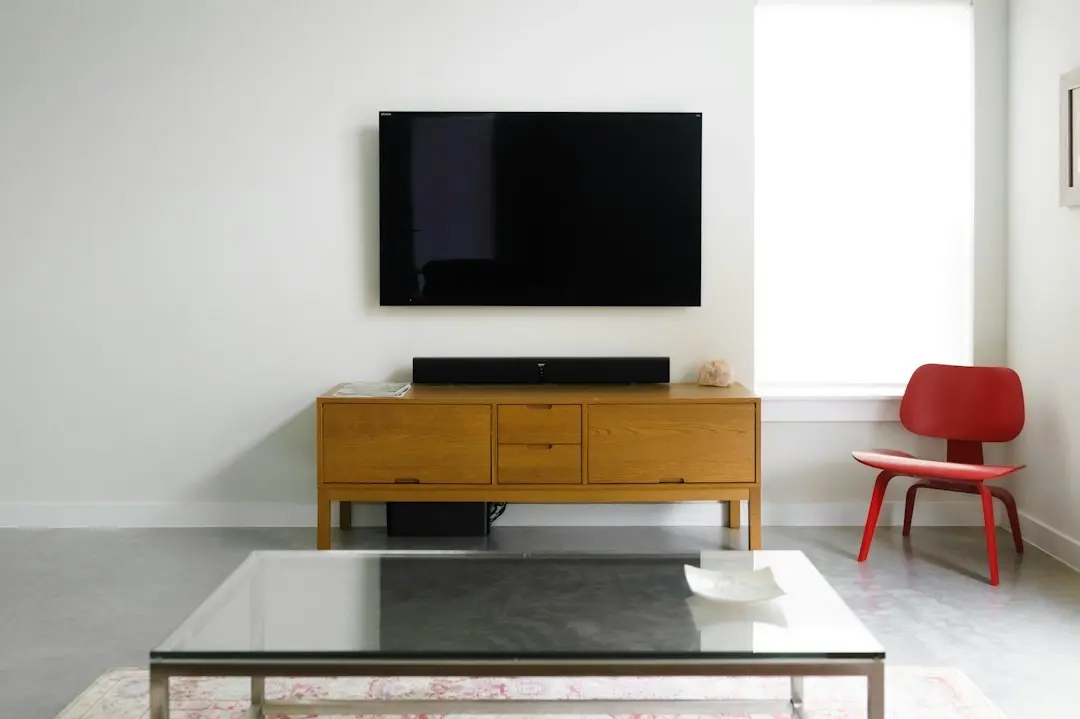
KenoaTV 4K IPTV, in short
KenoaTV streams in HD, Full HD and 4K where available: some channels and titles come in 4K, the rest in HD or Full HD. To actually see 4K IPTV at home you need four things working together: a 4K screen, a device and player app that can output 4K, a fast and stable internet connection, and a channel or title that is broadcast in 4K in the first place. This guide walks through each one, explains what "where available" means, and gives you a checklist for comparing any service that advertises 4K.
What 4K IPTV means
IPTV is television delivered over the internet instead of through a cable box or a satellite dish. The ITU (International Telecommunication Union) defines it this way: "IPTV is defined as multimedia services such as television/video/audio/text/graphics/data delivered over IP-based networks".
Source: ITU (International Telecommunication Union), “IPTV-JCA Terms of Reference”
4K, also called Ultra HD, is a picture of 3,840 × 2,160 pixels: four times as many pixels as Full HD (1,920 × 1,080). 4K IPTV is simply IPTV where the stream itself is sent at that resolution. More pixels means a sharper picture on a large screen, and it also means more data to move, which is why the connection matters more for 4K than for HD. If IPTV is new to you, start with what IPTV is and how it works.
What you need for 4K IPTV with KenoaTV
A 4K screen
A 4K stream shown on an HD TV is displayed at HD. Check that your TV or projector is 4K (Ultra HD), and if you use a streaming stick or box, plug it into an HDMI port that supports 4K: on some TVs only certain ports do, and the TV's manual says which.
A device and player that output 4K
The service works on Samsung, LG and Sony Smart TVs, the Amazon Fire TV Stick, Android phones, tablets and TV boxes, iPhone and iPad, MAG boxes, Enigma2 receivers and PCs. Not every model of every device outputs 4K. A streaming stick or box sold as HD-only will play a 4K channel at a lower resolution. Look for "4K" or "Ultra HD" in your device's specifications.
There is no dedicated app; you watch through a third-party player app. The service's guide names IPTV Smarters Pro, TiviMate and Perfect Player for the Fire TV Stick and Android, Smart IPTV for Samsung TVs, IPTV Smarters or SS IPTV for LG TVs, and IPTV Smarters Pro, GSE Smart IPTV or nPlayer for iPhone and iPad. Turning on hardware acceleration in the player helps the device decode a 4K stream. For the Fire TV Stick in particular, see our Firestick setup guide.
A fast, stable connection
KenoaTV recommends an internet connection of at least 30 Mbps. The service doesn't publish a separate speed figure for 4K, so we don't print one here.
For a sense of scale from outside IPTV, Netflix publishes its own recommendation for its own service. For "Ultra high definition (UHD)" in "4K", its help page lists "15 Mbps or higher". That is a third-party figure about Netflix streams, not a KenoaTV figure, and IPTV streams can be encoded differently.
Source: Netflix Help Center, “Netflix-recommended internet speeds”
Stability matters as much as the headline speed. A connection that reaches 30 Mbps on a speed test but drops whenever someone else starts a download will still interrupt a 4K stream.
A device that decodes modern codecs
4K video is often compressed with newer codecs such as HEVC (ITU-T H.265), which keeps the file size manageable. When the ITU announced the codec, it said HEVC "will need only half the bit rate of its predecessor, ITU-T H.264 / MPEG-4 Part 10 'Advanced Video Coding' (AVC)".
In practice, a device that can decode HEVC in hardware has an easier job with a 4K stream than one that has to do it in software. Your device's specifications list the codecs it supports.
Why KenoaTV offers 4K "where available"
KenoaTV doesn't promise 4K on every channel, and no honest 4K IPTV service can. A live channel reaches you at the quality it is broadcast in: if the source is HD or Full HD, that's what you get. The same goes for on-demand movies and series. The catalogue lists 25,000+ live channels and 100,000+ movies and series on demand, in HD, Full HD and 4K where available. Expect most of what you watch to be HD or Full HD, with 4K on the channels and titles that carry it.
If 4K for a particular kind of content matters to you, ask the team on WhatsApp before you order rather than assuming.
Best 4K IPTV: what to look for
Searches for the best 4K IPTV or the best IPTV 4K service usually lead to rankings. A ranking can't know your TV, your device or your connection, so a checklist serves you better. When a service advertises 4K, check:
- Is the quality claim honest? "4K where available" is a real description; "everything in 4K" isn't something any live service controls.
- Does it run on the devices you own? The service should name the devices and player apps it supports.
- Does it give you standard logins? An M3U playlist link and an Xtream Codes login let you use the player that handles 4K best on your device. Our M3U playlist and Xtream Codes guide explains both.
- What speed does it recommend? A provider should state one, and you should check your own line against it.
- Are the terms plain? How many screens a plan covers, how renewal works, and what happens when the plan ends.
- Can you ask before you buy? A service that checks your device first saves you from paying for a setup that can't play 4K.
The same list works for comparing providers in general; see how to choose the best IPTV service.
Getting smooth 4K playback
The tips the service gives apply to every resolution, and they matter most in 4K:
- use Ethernet or 5 GHz Wi-Fi instead of a crowded 2.4 GHz network;
- turn on hardware acceleration in your player app;
- raise the app's buffer size (10–15 seconds on Android);
- close other downloads and streams on the same network.
A plan includes one connection, so one screen at a time. Other devices in your home can still use bandwidth for other things, which is why closing big downloads helps. The setup page has the full steps for each device.
Try 4K on your own setup first
KenoaTV doesn't offer a free trial. The short way to try the service is the 1-month plan, and before you order, the team can check on WhatsApp that your device and player app will work. The Try It page explains that check.
Plans are paid once, for one connection: $14.95 for 1 month, $29.95 for 3 months, $44.95 for 6 months and $59.95 for 12 months. There's no auto-renewal: access stops when the plan ends, and you renew by messaging the team. All plans are on the pricing page.
FAQ: KenoaTV and 4K IPTV
What is 4K IPTV?
4K IPTV is television delivered over the internet at 4K (Ultra HD) resolution, 3,840 × 2,160 pixels. You need a 4K screen, a device and player app that output 4K, a fast connection and a channel or title that is broadcast in 4K.
Are all KenoaTV channels in 4K?
No. KenoaTV streams in HD, Full HD and 4K where available. Channels and titles come at the quality their source provides.
What internet speed do I need for 4K IPTV?
KenoaTV recommends at least 30 Mbps and doesn't publish a separate 4K figure. As a third-party reference, Netflix lists "15 Mbps or higher" for 4K on its own service. A stable connection matters as much as the number.
What is the best 4K IPTV service?
There's no ranking that fits every home. Look for an honest quality claim ("where available"), support for your devices, M3U and Xtream Codes logins, a stated speed recommendation, plain terms and a way to check your device before you buy.
Can I watch 4K IPTV on a Fire TV Stick?
Yes, if your Fire TV Stick model outputs 4K, it is connected to a 4K TV through a port that supports 4K, and the channel is available in 4K. An HD-only stick plays at a lower resolution.
Do I need a special app for KenoaTV 4K?
No. KenoaTV has no app of its own; you use a third-party player such as IPTV Smarters Pro. Turn on hardware acceleration for 4K.
4K IPTV with KenoaTV: the short version
KenoaTV 4K IPTV comes where available, with HD and Full HD for everything else. Get a 4K screen, a device that outputs 4K and decodes modern codecs, and a stable connection of at least 30 Mbps, then let the team check your setup on WhatsApp. When you're ready, choose a plan on the pricing page or read the Try It page first.
Want to try KenoaTV?
Start with the 1 month plan at $14.95, or pick 1, 3, 6 or 12 months. Before you order, the team can check your device on WhatsApp.
Related articles
KenoaTV and the Best IPTV for Firestick: What Works
KenoaTV on a Fire TV Stick: what the best IPTV for Firestick needs, which player apps work, how to add your M3U or Xtream Codes login, and playback tips.
Read the article
KenoaTV: How to Choose the Best IPTV Service
Looking for the best IPTV service? A KenoaTV checklist of what to verify before you pay any provider, with KenoaTV's own published answer to each point.
Read the article
KenoaTV: Finding the Best IPTV USA Plan for You
Best IPTV USA guide from KenoaTV: channels from the USA plus international packages, plans in US dollars from $14.95, devices, speed and one connection.
Read the article